
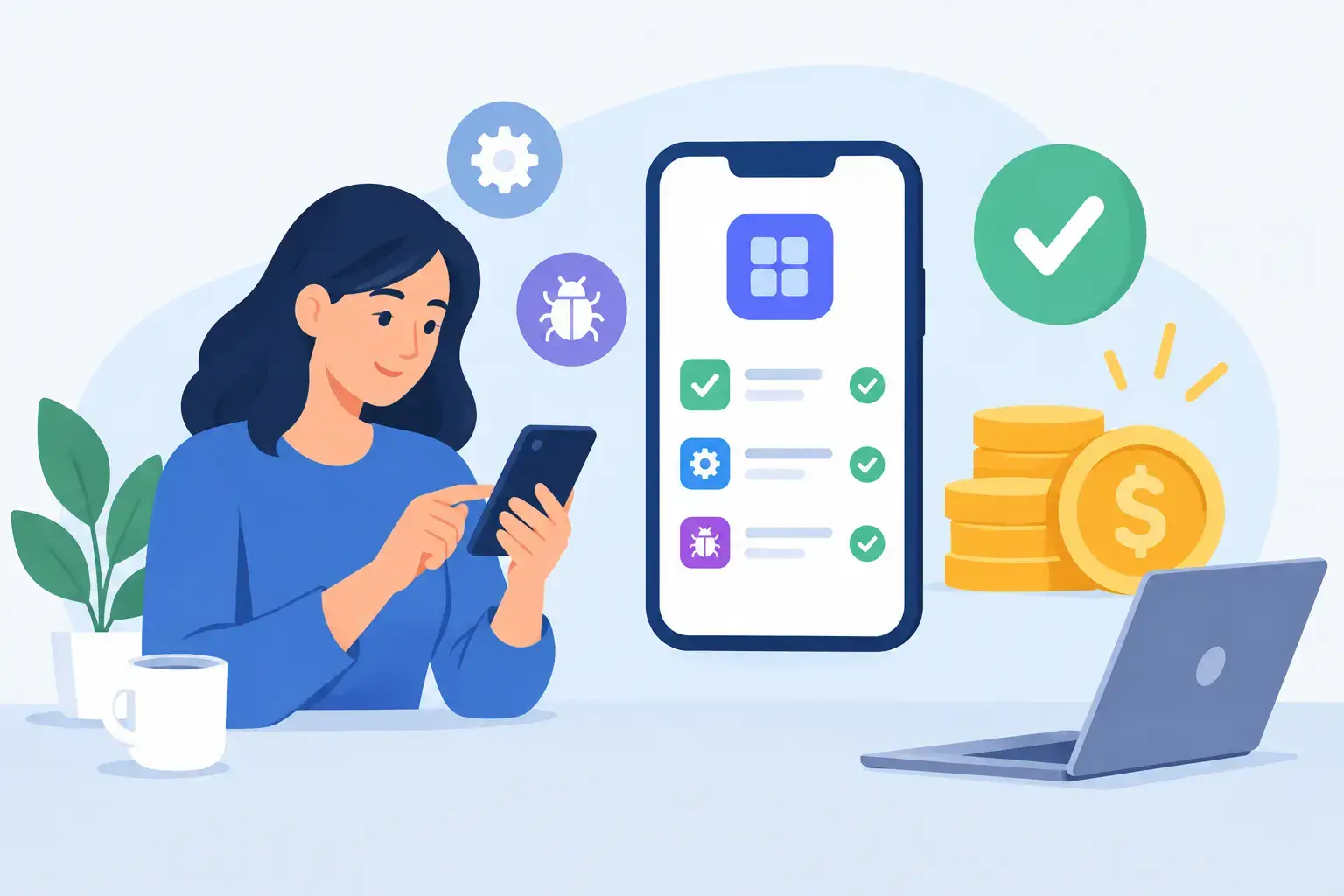
A paid app test can look simple: download an app, follow a few instructions, share your feedback, and earn. But app testing requirements decide whether you qualify, complete the task correctly, and keep getting invited to future tests. The better prepared you are, the less time you waste on surveys and tasks that are not a match.
For online earners, app testing is a practical way to add another stream to a daily earning routine. It does require attention, honesty, and the right setup. Treat every assignment like a short paid project, not a random click-through, and your feedback becomes more valuable.
What Are App Testing Requirements?
App testing requirements are the conditions a tester must meet before and during an assignment. Some requirements are technical, such as owning a specific phone model or using a certain operating system version. Others are based on your habits, location, age range, shopping preferences, job role, or experience with similar apps.
A company might need a new Android user who shops online every week. Another may need iPhone users who have never used a budgeting app. These details are not meant to make testing difficult. They help developers collect feedback from the people most likely to use their product.
The biggest rule is simple: never try to force a match. Giving false answers may get you into one task, but it can lead to rejected work, account restrictions, and fewer opportunities later. Accurate profiles create better matches.
The Basic Setup You Need Before Applying
Most app tests start with a few non-negotiables. You need a compatible smartphone or tablet, reliable internet access, and enough storage space to install the app and any testing tools. Keep your device updated, but remember that some tests specifically request an older operating system version. Read the device requirements before downloading anything.
You also need an active email address and a payment-ready account on the platform running the task. Many tests require screen recording, microphone access, or screenshots. Check those permissions in advance so you do not lose time halfway through a test.
Your device is part of your tester profile. Make sure the information you provide is correct, including your phone brand, model, operating system, carrier, and country. If you switch devices, update your profile right away. A mismatched device can disqualify you even when you are otherwise a perfect fit.
A quiet place can matter too
Some usability tests ask you to speak your thoughts aloud while using the app. Background TV noise, conversations, and traffic can make your recording hard to review. You do not need a professional studio. A quiet room and clear voice are usually enough.
If a test requires a webcam, screen share, or live interview, test your camera and microphone before the scheduled time. Being ready protects your chance to earn and shows that you are dependable.
Qualification Questions Are Part of the Work
Before receiving an app testing assignment, you may see a screener. This is a short set of questions used to identify the right audience. It may ask about apps you use, purchases you make, services you subscribe to, or how often you complete certain activities.
Answer every question carefully and consistently. If you say you use a fitness app daily in one profile section but say you never use fitness apps in a screener, you may lose credibility. There is no “best” answer. There is only the truthful answer that helps the company find the right participant.
Do not rush through screeners just because they are unpaid or brief. They are the gateway to paid work. A complete, current profile often gives you more relevant invitations than a profile filled with vague or outdated details.
How to Complete an App Test the Right Way
Once you qualify, read the full instructions before opening the app. Know what the test wants you to do, how long you have, whether purchases are allowed, and what proof you need to submit. Some tasks ask you to explore freely. Others require exact steps, such as creating an account, searching for a product, or finding a support page.
Follow the requested path, but do not hide real problems. If a button is confusing, a page loads slowly, or you cannot understand what to do next, say so. Developers pay for genuine user reactions because those reactions reveal where customers may quit.
Useful feedback is specific. Instead of writing, “The app was bad,” explain what happened: “I expected the checkout button below the order total, but it was hidden after I scrolled. I thought my order was not ready to submit.” That kind of feedback gives the team something they can improve.
Pay attention to these common testing areas:
- Sign-up and login steps, including password resets and verification codes
- Navigation, menus, search tools, and whether buttons are easy to find
- Speed, loading errors, crashes, and features that do not respond
- Clarity of prices, offers, instructions, notifications, and checkout screens
- Overall trust, including anything that makes you hesitate to enter information
You are not expected to be a software engineer. Your job is to report what a normal user sees, expects, and experiences.
App Testing Requirements for Privacy and Safety
Good testing opportunities should tell you what access the app needs and what information you should avoid sharing. Read the assignment notes before granting permissions. A weather app may reasonably request location access. A simple product feedback task may not need your contacts, photo library, or personal files.
Never share bank passwords, Social Security numbers, full account credentials, or private financial details in a test. If an assignment involves a purchase or subscription, confirm whether reimbursement is provided and what limits apply before spending money.
Use a separate testing email when possible. It keeps promotional messages and test notifications organized while reducing clutter in your personal inbox. You can also review app permissions after completing a task and remove access you no longer want to provide.
Being cautious does not mean avoiding every test. It means understanding the difference between normal testing access and requests that go beyond the stated task.
Build a Reputation That Brings More Tests
The best way to find more app testing work is not to chase every available task. It is to complete the right tasks well. Submit feedback on time, attach required screenshots, and avoid skipping steps. If you accept a test with a deadline, protect that time on your schedule.
Consistency matters more than sounding overly technical. A tester who gives clear, honest feedback every time is more useful than someone who uses complicated language but misses the actual task. Keep your comments focused on your experience and separate facts from opinions.
For example, “The screen froze after I tapped Continue three times” is a fact. “The screen felt frustrating because I did not know whether my form was submitted” is a useful opinion. Both help when they are explained clearly.
If you use a platform such as Sumrria to add app testing to surveys, promotions, and other earning activities, keep your routine organized. Check available tasks at a set time each day, update your device details when they change, and only accept assignments you can finish properly. A smaller number of completed, high-quality tests can be more valuable than a long list of abandoned ones.
Make Every Test Count
App testing is not a shortcut to instant income, and qualification depends on what each company needs at that moment. Some days you may not match a single screener. Other days, your device, habits, and profile can make you exactly the person a developer needs.
Stay truthful, stay prepared, and give feedback that a real product team can act on. Every well-completed test strengthens the habits that turn simple online tasks into a more dependable earning routine.